
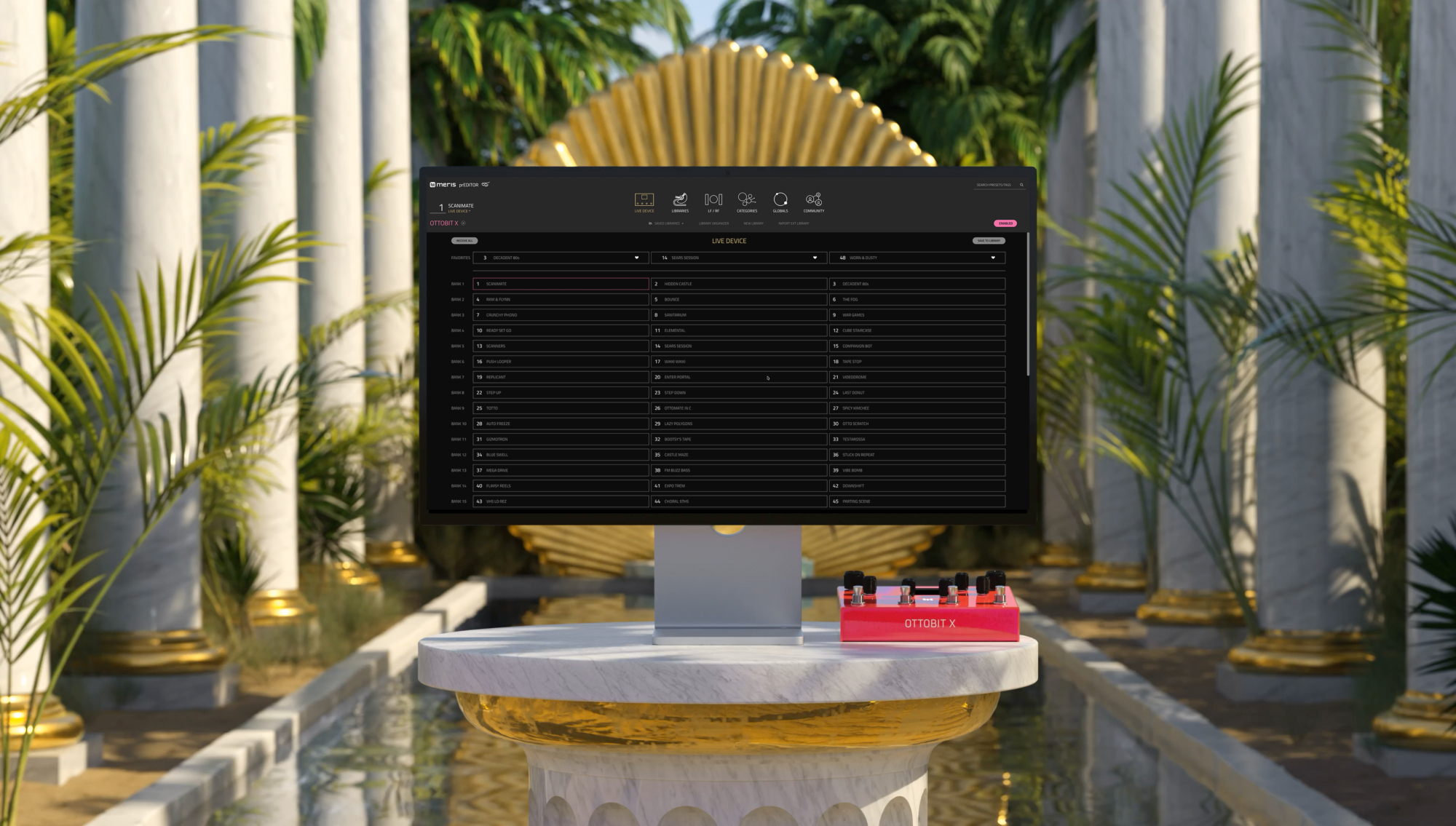
NEW: prEDITOR v4
prEDITOR v4 is a desktop editor/librarian for Ottobit X, Enzo X, MercuryX and LVX! prEDITOR v4 is updated to be used with MIDI over USB-C (as an option). Plus a fully integrated Community portal to share and receive presets without leaving the app! For MAC/PC desktop only. Get to the Chopper!
New Heights in Speed
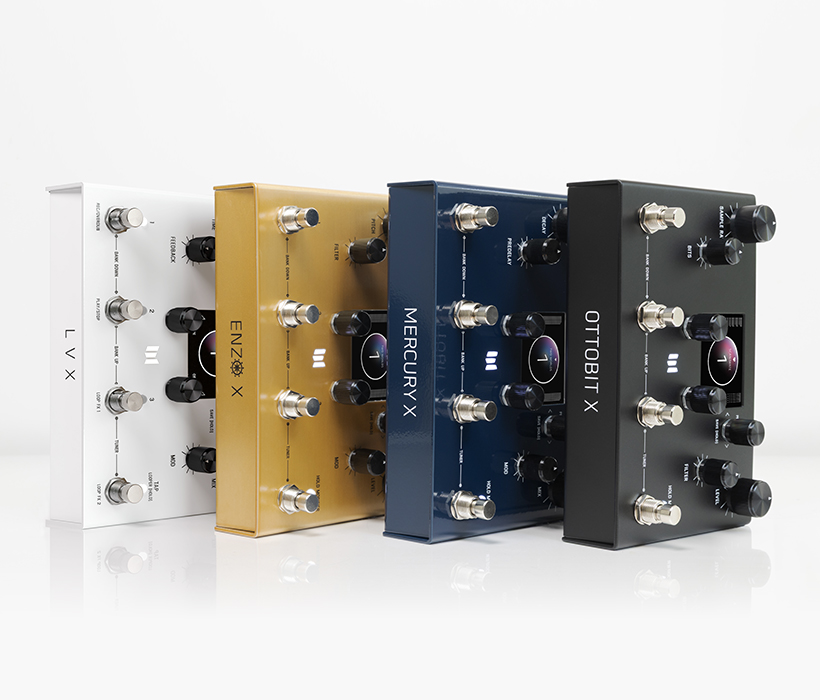
With quick drag and drop methods, prEDITOR v4 allows easy organization of presets, libraries and import/exports. Instant switching between Ottobit X, Enzo X, MercuryX and LVX.
Intuitive Organizing
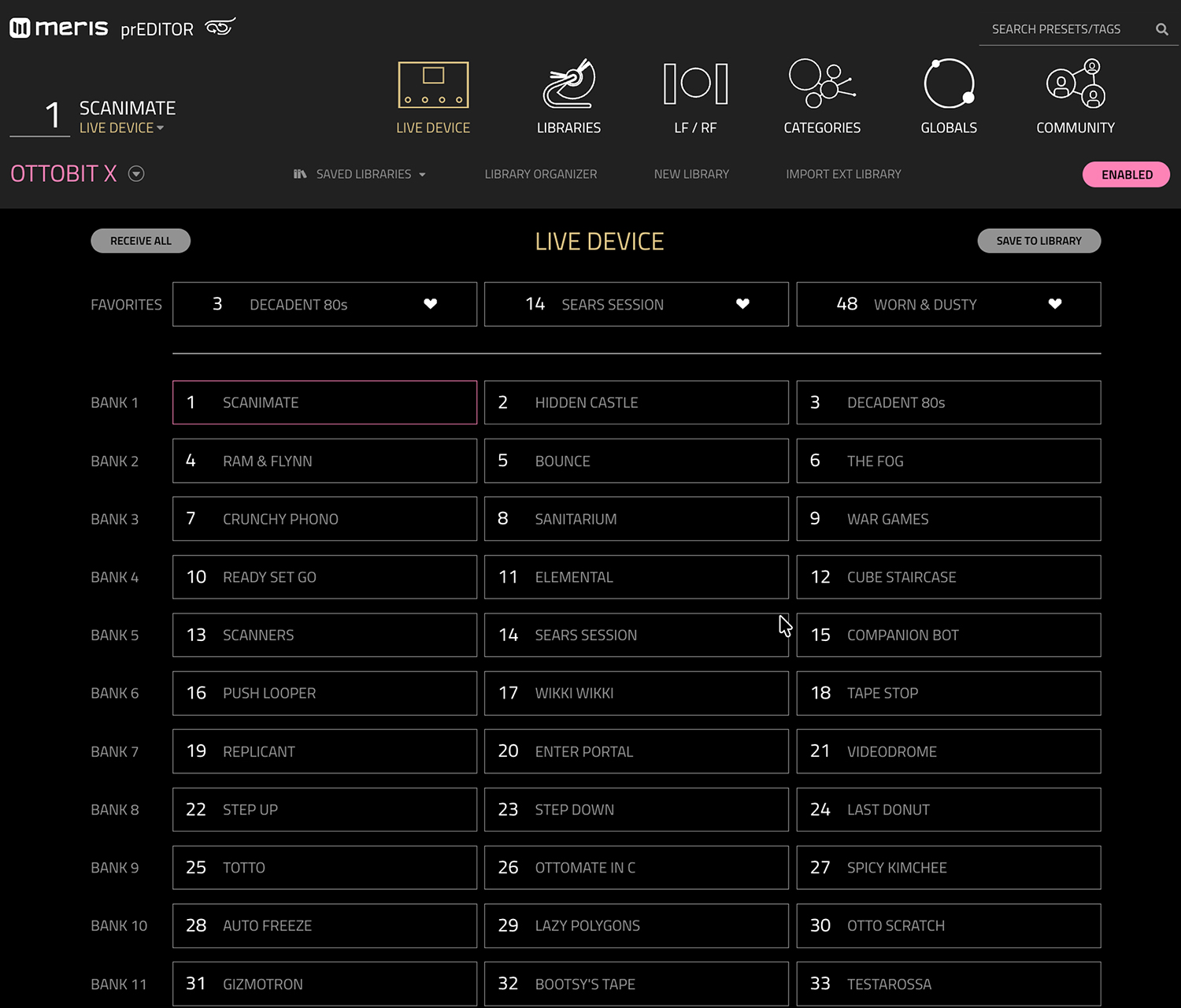
prEDITOR v4 allows you to instantly switch between Ottobit X, Enzo X, MercuryX + LVX, quickly create presets, move them around, select your favorites, duplicate, swap, delete, assign your left and right favorites, import/export, access globals quickly and organize libraries.

Jinna Kim
My goal was allow super easy I/O, endless preset building and organization, so you can keep creating.
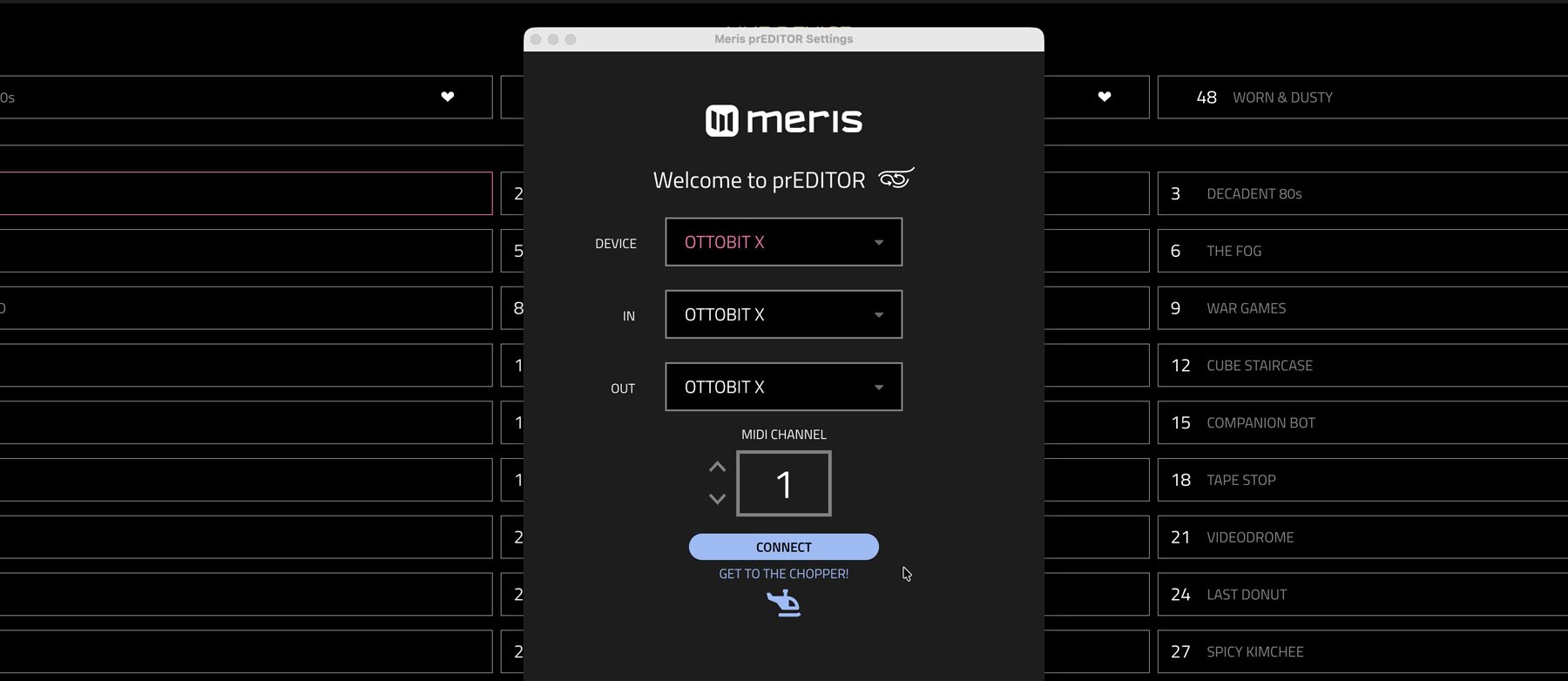
- NEW MIDI over USB-C connection
- NEW PatchStorage integration (Community server). Seamlessly upload/download presets right from the editor with title, description, tags, artwork, and license plus browse, search, like community presets without leaving the app
- NEW and improved dynamic scaling
- Toggle dropdown to instantly switch between Ottobit X, Enzo X, MercuryX and LVX
- Dynamic ADSR graph (for Enzo X)
- Bypass switch
- Import presets using quick drag and drop method
- Rename, duplicate, swap, export, delete, move around and add description/tags of presets
- Instant R-click to reset preset (or blank a preset)
- Drag and drop to copy or move full banks
- Import/export, create new, duplicate and delete full libraries
- Drag and drop between libraries for easy organization in LIBRARY ORGANIZER
- LIVE DEVICE sync and on-the-fly auditioning with safeguard editing
- Assign your favorites bank using easy drag and drop
- Quickly assign LF/RF (Left Favorite/Right Favorite)
- Smoothly change parameters with intuitive CATEGORIES section
- Instant GLOBALS access
- Always available FACTORY PRESETS
For prEDITOR to work, you’ll need 5 things:
- Update Ottobit X, Enzo X, MercuryX and/or LVX to the latest firmware (located on each product page)
- Download and install prEDITOR v4 app
- Solid power supply (9V DC 300 mA) to sync LVX
- USB-C cable or compatible MIDI device (list is in READ ME file). Note: Standard MIDI DIN operation is preferred for the lowest noise operation and to prevent audio ground loops
Minimum OS Requirement:
MAC – 10.15.7 and above
PC – Windows 10 and above
Recommended and Tested MIDI Devices:
- CME U2MIDI Pro
- CME U6MIDI Pro
- CME C2MIDI Pro
- Yamaha MD-BT01
- Widi Master Bluetooth
- MOTU M4
- Morningstar MC6 MkII, MC8, MC6 PRO, MC8 PRO – Note: For connection, please refer to Morningstar’s manual.
- Strymon Conduit (use Port 5) – Note: Be sure to unplug 9V power supply on Conduit and power only via USB.
- MOTU MIDI Express 128